Schedule Members in Class (member must have a package)
Quick Functions -> Sched Matrix.
Find the Class on the Schedule and click into the Class.
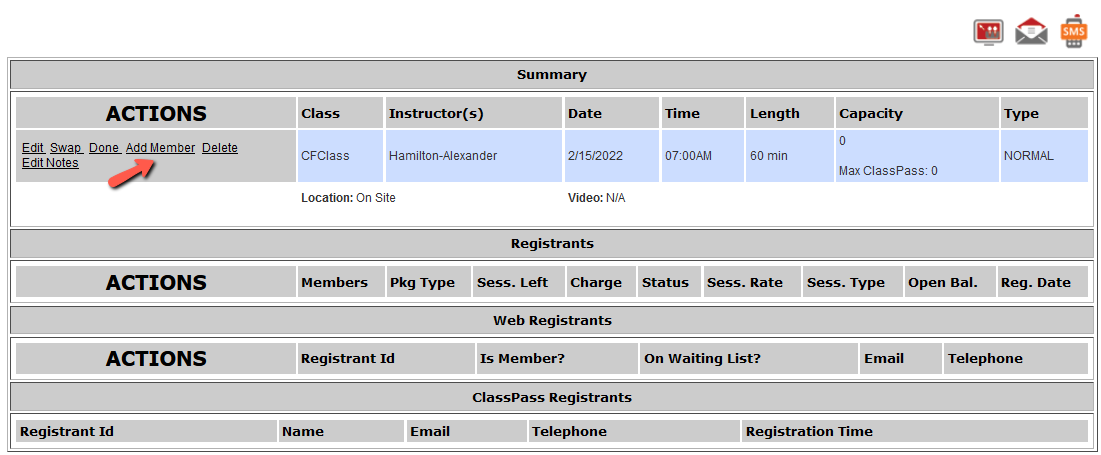
Click the 'Add Members' link under the Actions column for the Class.
Start typing the member's last name into the 'Member' field. When you see the member's name, select it to bring it into the field.
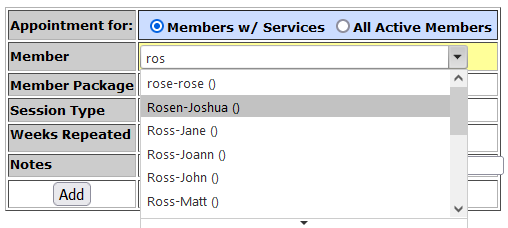
Click 'Add'.
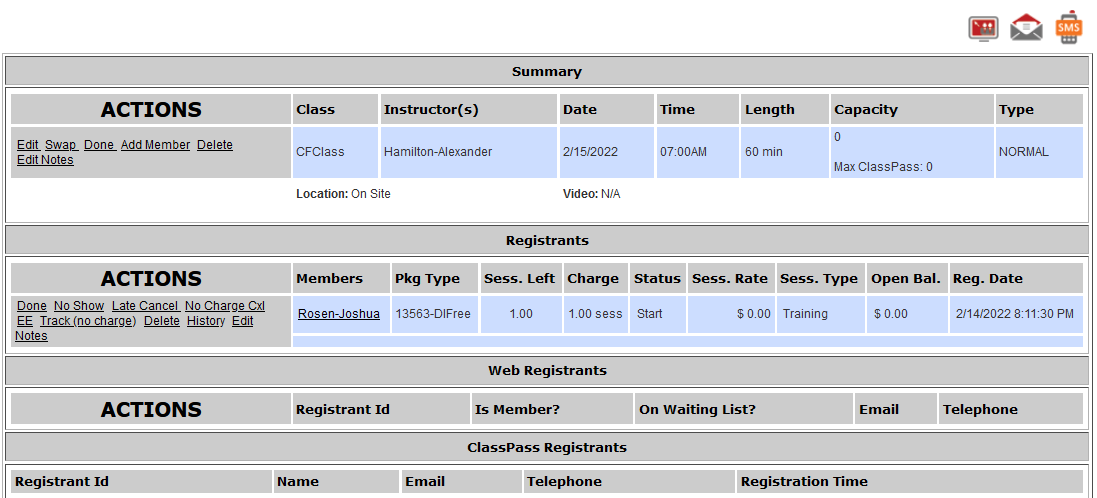
The member will be added to the class as a Registrant.
Comments
0 comments
Please sign in to leave a comment.