New Administrators logging into Shape for the first time.
Enter your system URL into the browser address field. (https://xxxx.cshape.net). Bookmark this page.
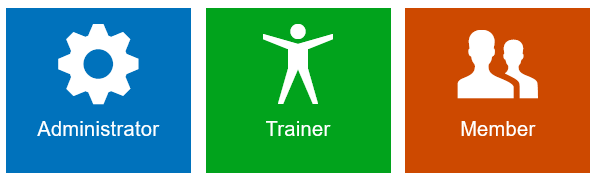
Click the Administrator box.
Enter your login ID (LastName-FirstName - example: doe-john). It is not case sensitive.
Your initial password is your last name (example: doe).
You will be redirected to update your password. Passwords must be at least 8 characters in length and include at least 1 letter and 1 number. You may use any special character except for &.
Once logged in, set up your system by adding your 'Quick Functions'. The Quick Functions will be the functions you use all the time.
Navigate to Tools -> Edit Quick Functions.
Enable functions such as 'Add User', 'Members', 'Purchase Memberships'. etc. You should enable the areas of the system you think you will use all the time. You can always edit this section later.
Next you can enable your Quick Reports from Tools -> Edit Quick Reports.
Comments
0 comments
Please sign in to leave a comment.