Logging into Shape for the first time.
Log into your ShapeNet system:
URL - https://xxxx.cshape.net. Replace the Xs with your system name. Bookmark this URL or add to your Favorites.
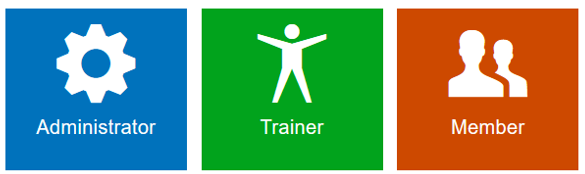
Administrators
Click on the Administrator tile
Login ID = LastName-FirstName
Initial Password = LastName. If logging in for the first time, you will be prompted to update your password. You must enter at least 8 characters, using at least 1 number. You will be prompted to update your password every 90 days.
If you forget your password, you can click the ‘Reset Password’ icon  and a temporary password will be emailed to you. **Note – You must have a valid email address on your Administrator User account to receive a reset password email.
Trainers
Click on the Trainer tile.
Login ID = LastName-FirstName
Initial Password = LastName. If logging in for the first time, you will be prompted to update your password. You must enter at least 8 characters, using at least 1 number. You will be prompted to update your password every 90 days.
Members
Members will not log into the Portal from this page. Members will log into the Member Portal Login in page. The URL for your portal is https://xxxx.cshape.net/memberLogin.aspx. Replace the Xs with your system name.
Comments
0 comments
Please sign in to leave a comment.