To set your class registration cutoff hours, go to Tools -> System Settings -> Scheduled Appointment Settings -> Member Online Registration ‑ Class registration cut‑off (hours). This setting applies to ALL classes. However, you can override this 'system setting' per class by entering class registration cutoff hours on the Class Type. For example, your general class registration cutoff hours may be set 1 hour before the class starts. But for your more popular classes that fill up quickly, you may want the registration cutoff hours to be 5 or 6 hours before the class begins. You may also want to enter different registration cutoff hours for the weekend for staffing reasons.
- Functions -> Classes -> Types
- Enter the Cancel Cutoff Hours for Weekday
- Enter the Cancel Cutoff Hours for Weekend
- Save
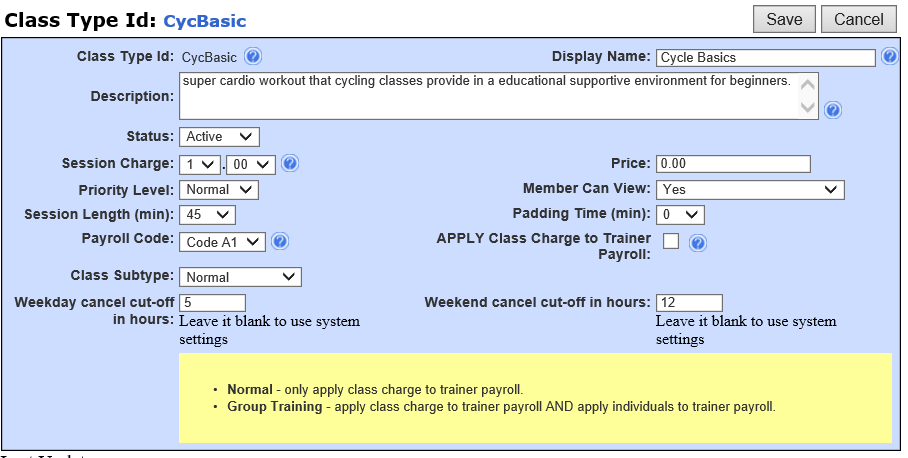
**NOTE ~ If the registration cutoff is to use the System Setting, please leave these fields blank. Also, you do not have to use both settings per class. You can use one or the other.
Comments
0 comments
Please sign in to leave a comment.