The latest Shapenet Software Release on August 10, 2017 allows you to view the previous Assessment data on the same screen while adding a new assessment. Here are the details of this new amazing feature!
1. From your Quick Functions, click on 'View Assessments';
2. The query defaults to 'Active Members with Assessments'. Enter the last name of the Member to add a new Assessment and Search.;

3. Click the Add link in the Actions column;
4. Select the appropriate 'Assessment Grouping' from the drop down list to bring up the previous assessment;
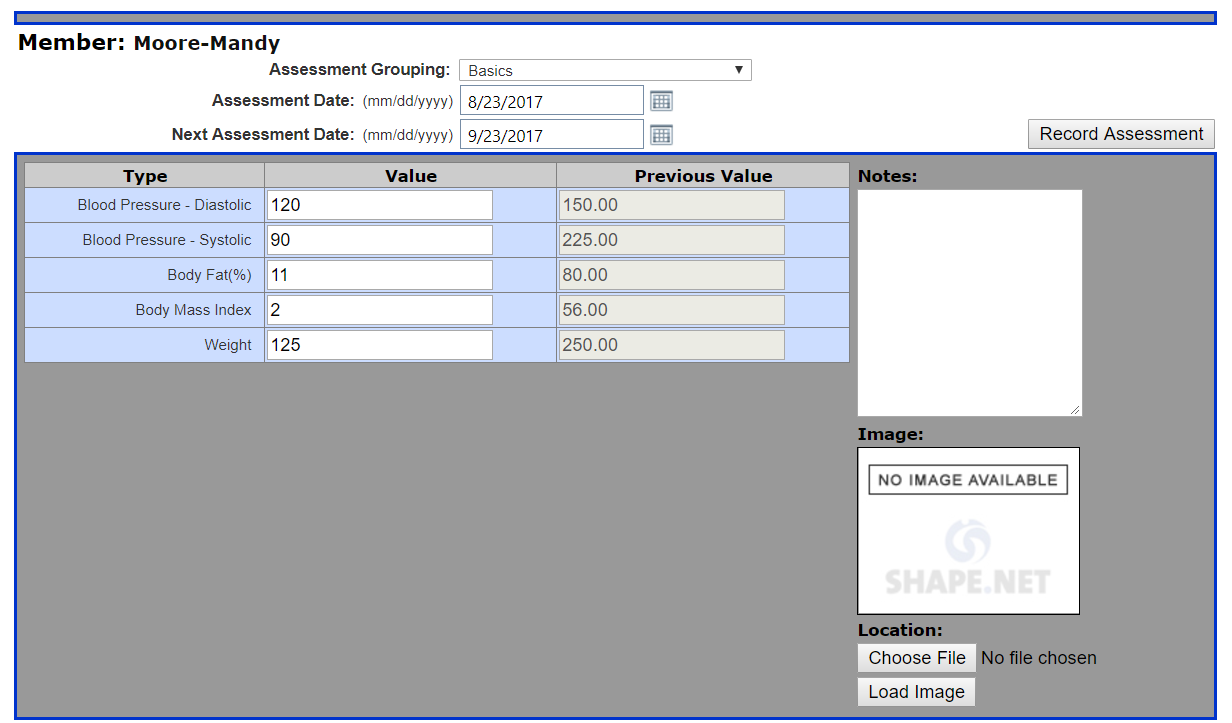
Now you can easily compare data from the previous assessment and the current assessment without having to switch pages.
Amazing!
Comments
0 comments
Please sign in to leave a comment.