How do you add a service fee to a membership that has already been purchased?
Service fees can be added to memberships by going into the View Memberships screen and choosing "Services" from the actions column. This screen allows you to add, edit, or remove any services fees that are attached to memberships.
Service fees can be defined in advance in your System Settings.
Go to Tools -> System Settings -> Membership Fee Settings
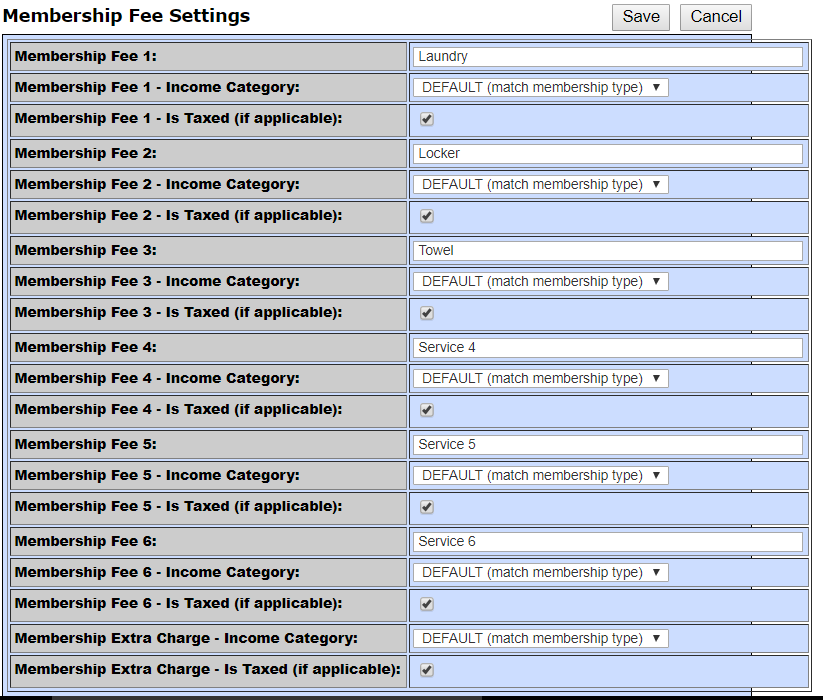
You may want to give these fees their own Income Category. Otherwise, they will report as the same Income Category as your Memberships.
Comments
0 comments
Please sign in to leave a comment.