This report provides Check-in data by the hour to help you determine your staffing needs.
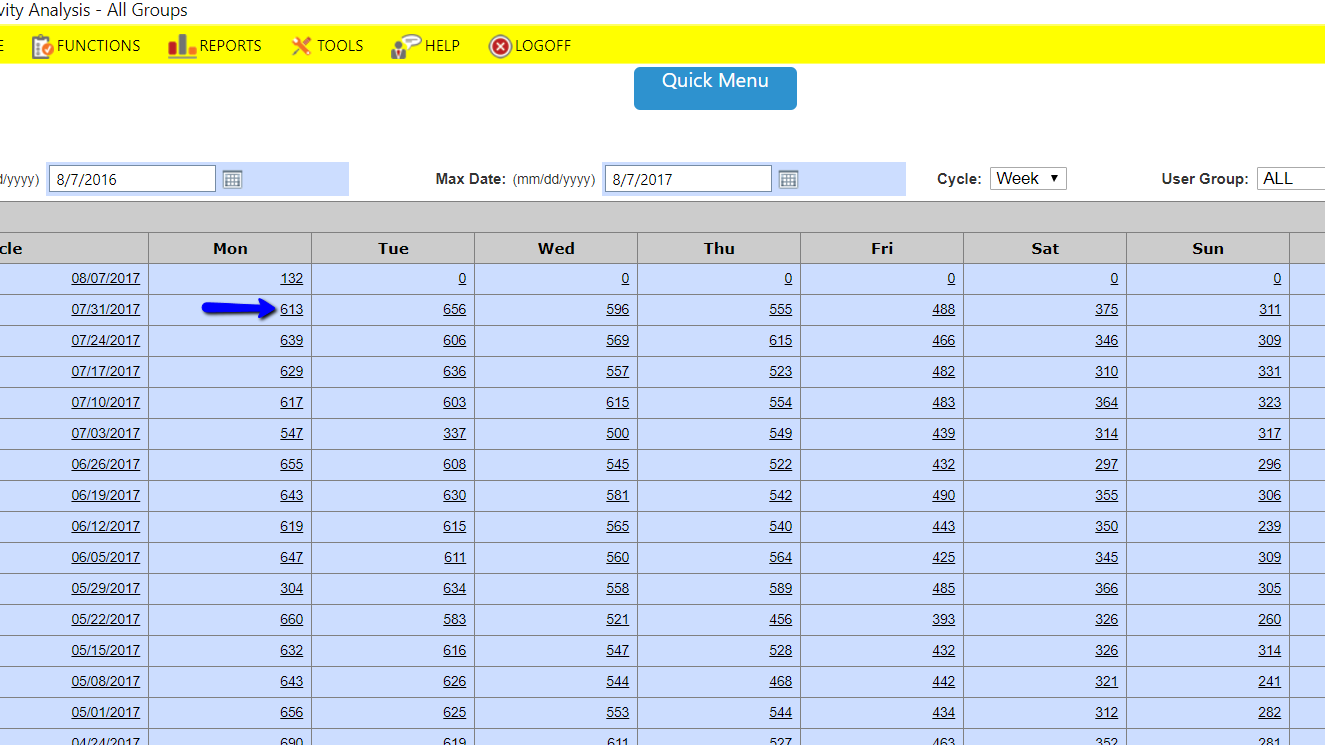
Reports -> Check-in -> Check-in Activity Analysis;
Enter a date range;
Select a 'Cycle' i.e, Week, Month or Year;
Select a Group or leave it on 'All'. You may want to select 'Member' so that Employee check-ins are not included in the search.
Select a Day of the Week and click into the number. The data will display the number of check-ins by the hour. You can view this data in Table, Bar or Pie Graph format.
Comments
0 comments
Please sign in to leave a comment.