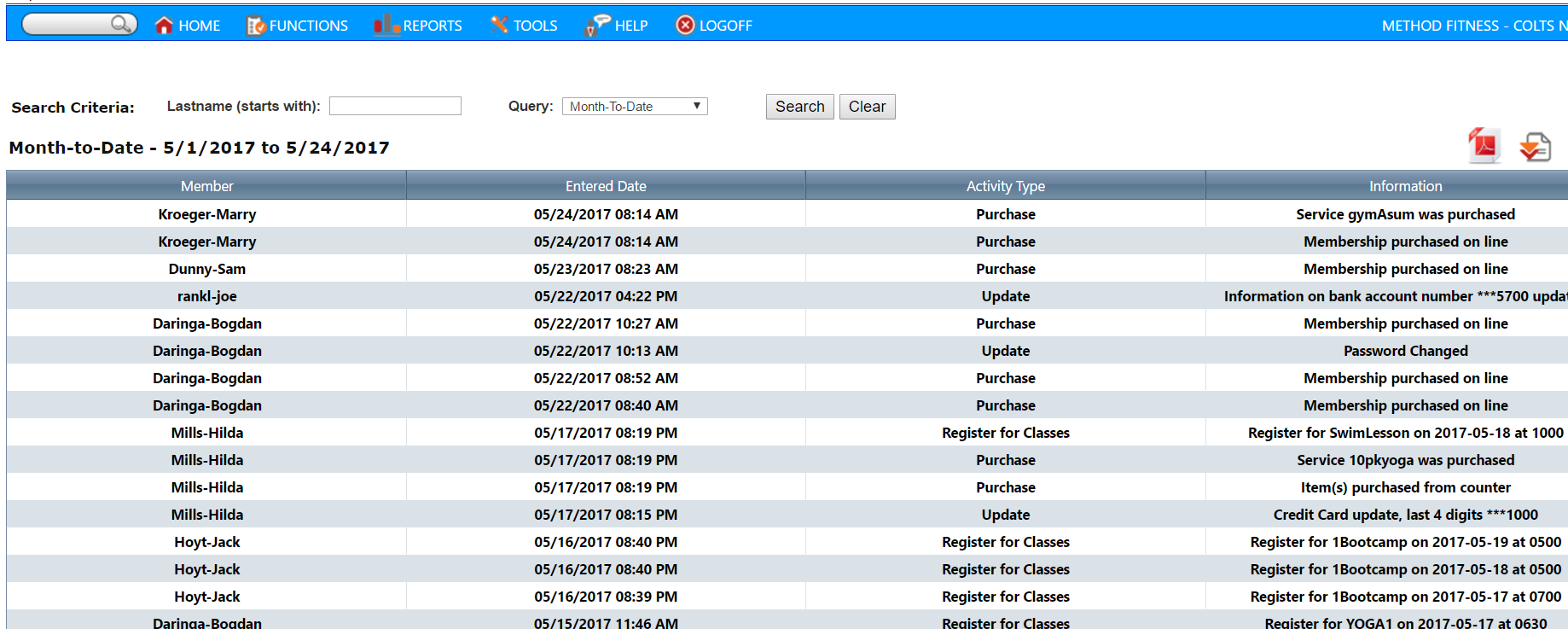
The Member Portal Activity Report displays Member activity on the Member Portal or Mobile Apps.
From your main menu bar, go to Reports -> Member Portal -> Member Activity
You can search by a specific name AND/OR a specific date range
This report can be downloaded to PDF and Excel. Downloading to Excel allows you to filter on specific Member actions such as Membership purchases or Class registrations.
Comments
0 comments
Please sign in to leave a comment.