Quick Functions -> View Packages
- Enter last name of Member and click Search
- In the Actions column next to the package being adjusted, click the 'Edit Service' link
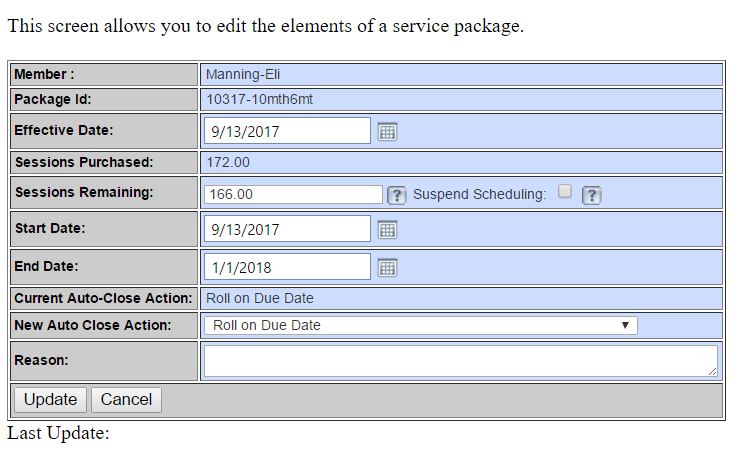
- Edit the number left next to 'Sessions Remaining:'
- Enter an audit reason and click 'Update'
Comments
0 comments
Please sign in to leave a comment.